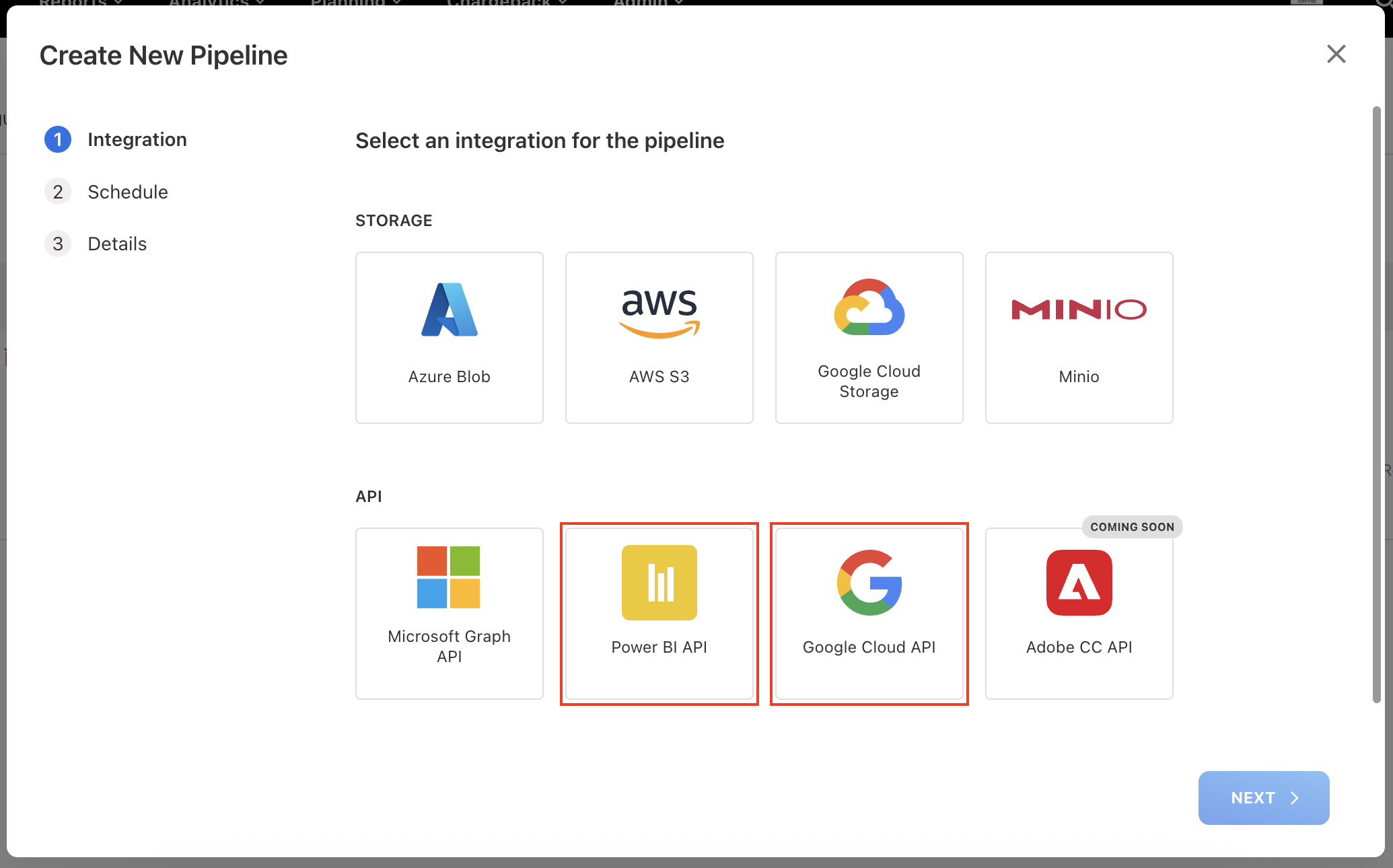
New APIs Integration: Power BI, Defender, and Google Cloud
Accurate license tracking is critical for cost control, compliance, and fair allocation. This month, we've added three major API integrations to help you collect and use data directly in your reporting and TBM allocation workflows.
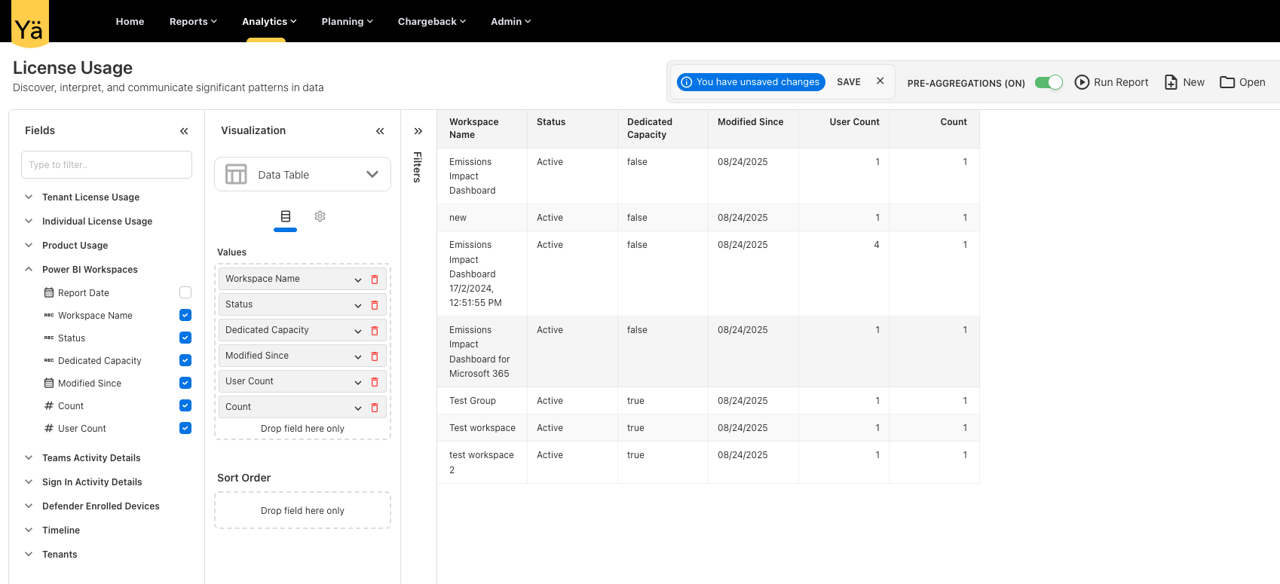
Power BI API
Pulls workspace names, users, and capacity usage. Ideal for right-sizing capacities and reducing unnecessary Pro licenses by identifying where consumption spikes occur.
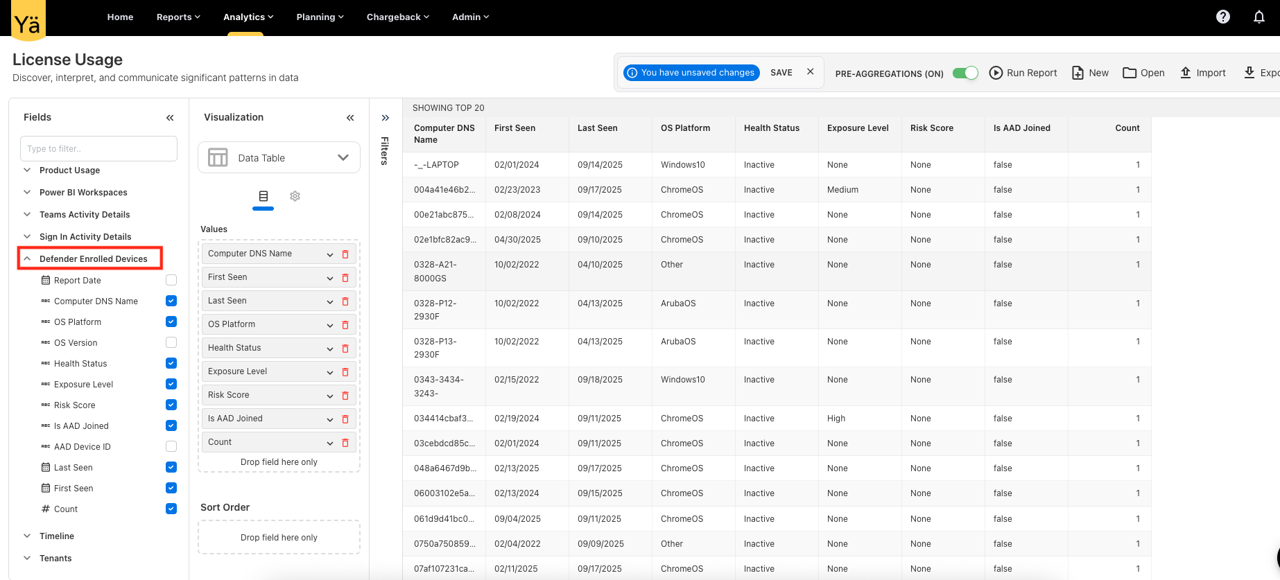
Defender API
Ingests usage signals from Microsoft Defender (Endpoint/365). Includes device-level details like DNS name, OS platform, and "last seen" timestamps to detect orphaned or decommissioned devices.
Google Cloud API
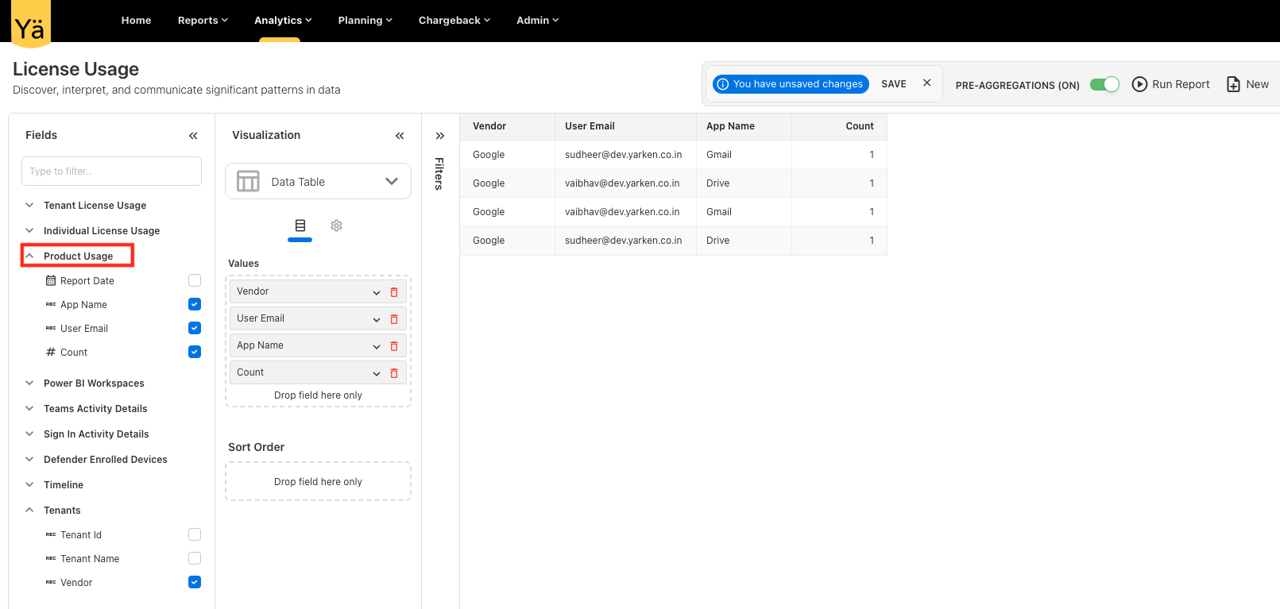
Captures sign-in activity and product usage metrics. Critical for reclaiming unused accounts and right-sizing license allocations across the Google Workspace.
.png)
Multiple Authentication Providers
We now support Okta Authentication alongside Microsoft Entra ID (Azure AD). This flexibility allows organizations to onboard with their preferred Identity Provider (IdP) and present users with a choice on the login screen.
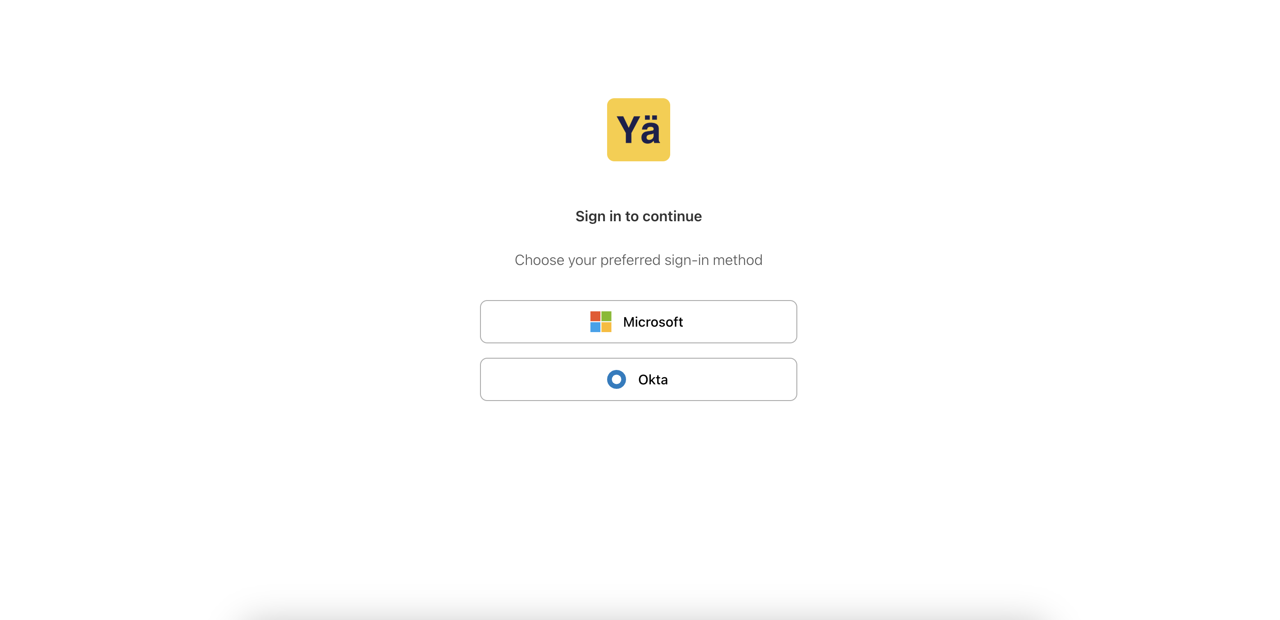
The provider selection is simple and visible upfront, ensuring users land directly on the correct sign-in flow and benefit from their organization's enforced MFA methods.
SKU & Project Level Planning
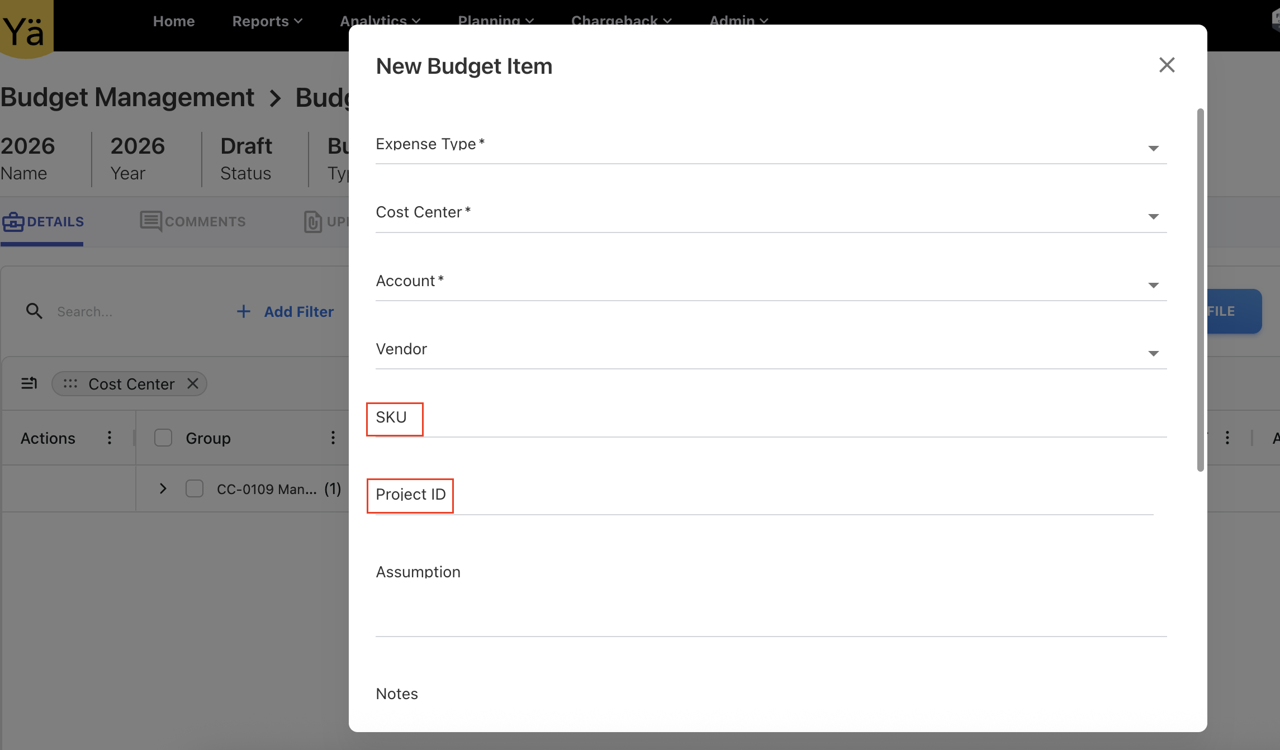
To provide better alignment and finer-grained planning, we've added two flexible, configurable fields to the Budget and Forecast modules:
Project ID
Attach project identifiers to budget records. Reconcile planned vs. actuals per project and integrate planning with downstream chargeback workflows.
SKU-Level Budgeting
Create budgets at the SKU level. Monitor spend and projections for discrete product tiers, meter types, or specific licensing levels.
New Asset Type: Miscellaneous
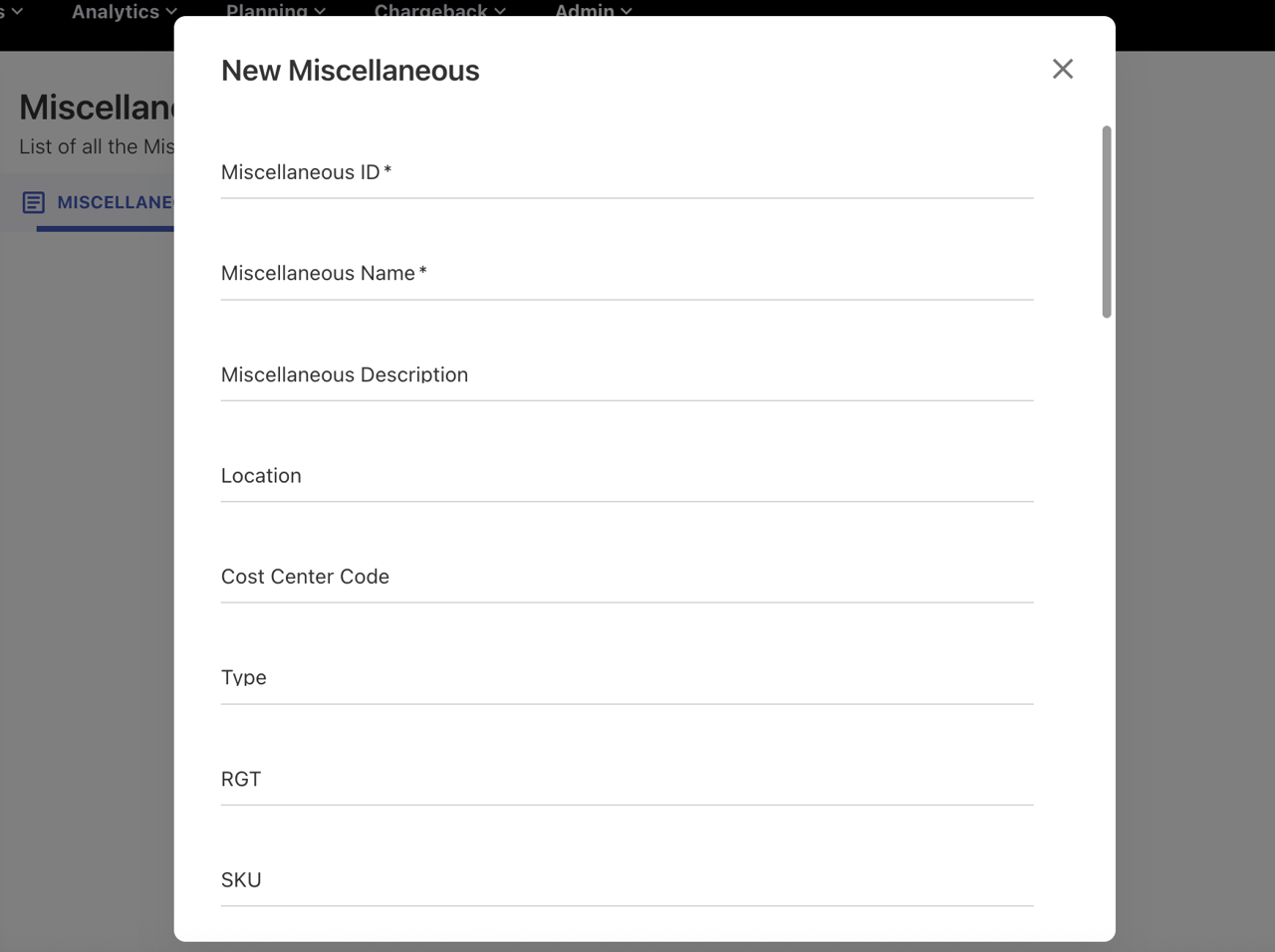
Teams often have datasets that don't belong to standard categories. Instead of changing your master schema, the Miscellaneous asset type acts as a catch-all for ad-hoc inventory or transitional assets.
- • Faster onboarding for ad-hoc datasets.
- • Cleaner governance for master asset types.
- • Supports cost center assignment and reporting.
New UX for Budget & Forecast Data
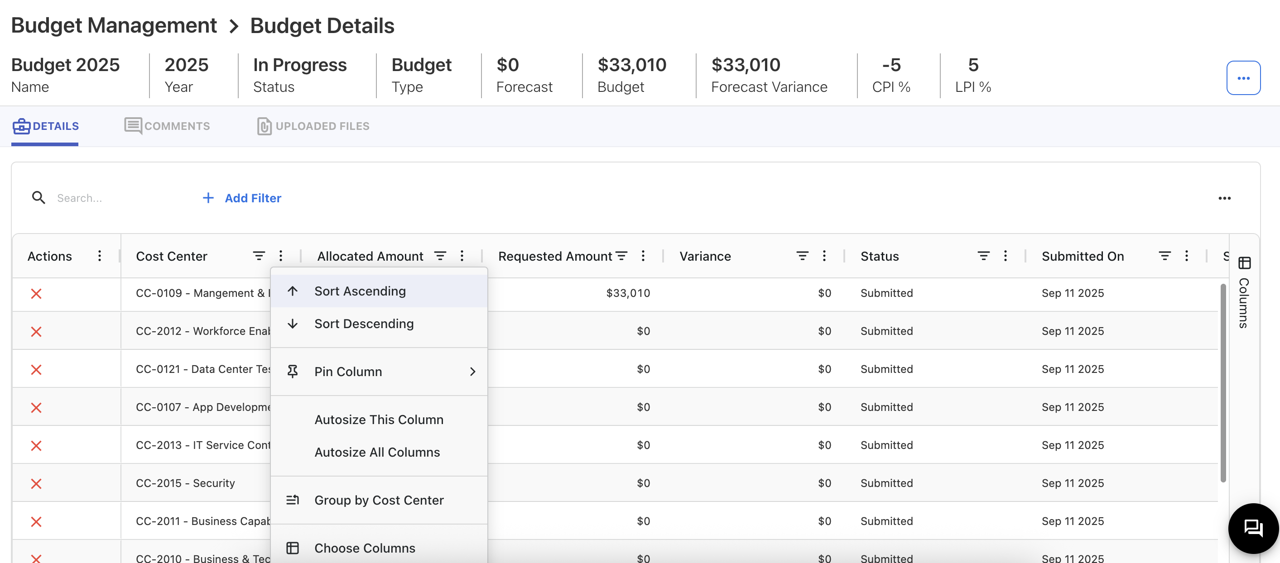
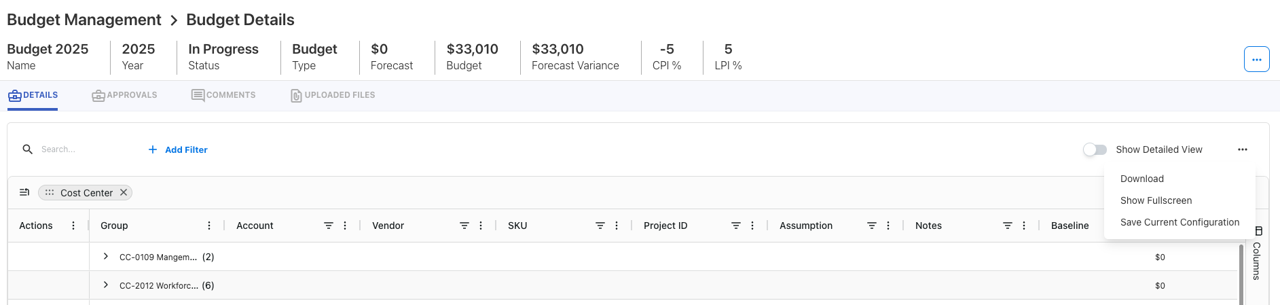
A new interactive grid table delivers a responsive and adaptable experience for extensive datasets. Focus on speed, usability, and personalization.
Enhanced Tower Rules
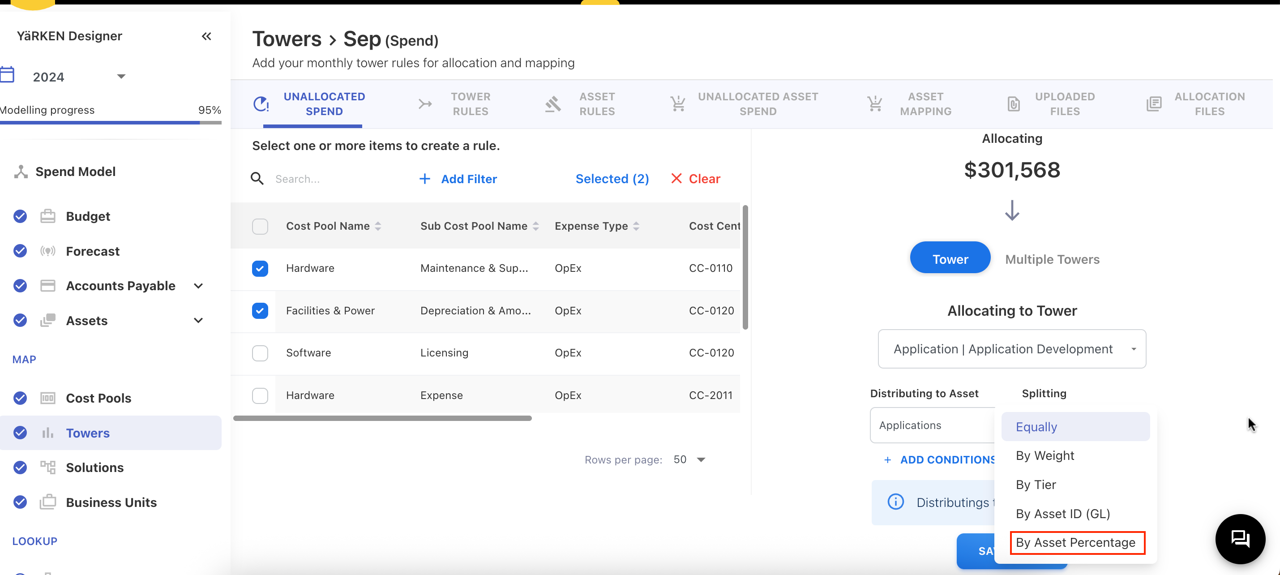
Tower rules now support percentage-based allocations to multiple target assets. Admins can assign splits that total 100%, and the system applies these during ingestion automatically.
Global Search for Dashboards & Reports
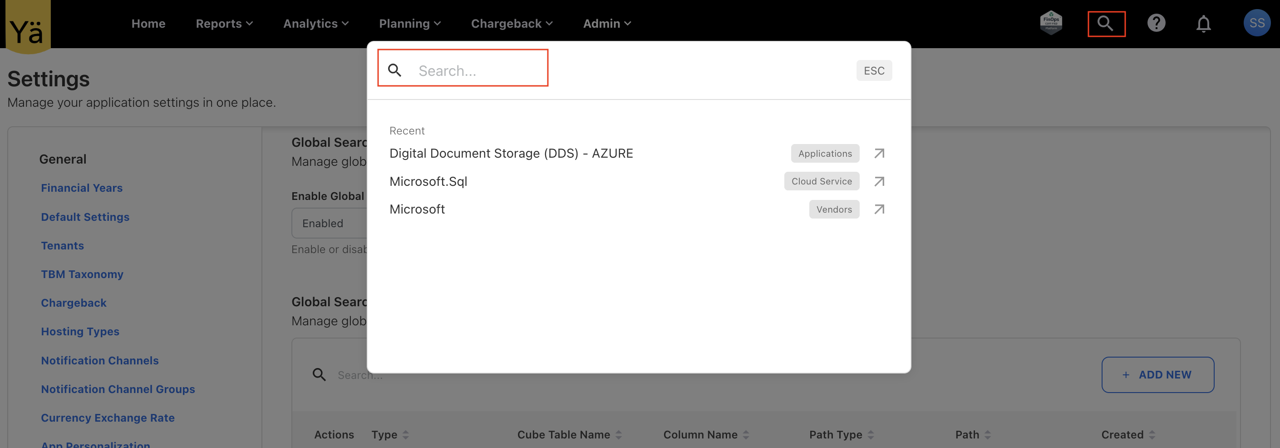
Find standard and custom dashboards or reports directly from the menubar. Search is permission-aware, ensuring users only land on authorized resources.