Insights - A Smarter Way to Detect Anomalies
We’re thrilled to announce Insights, a powerful new feature designed to elevate your FinOps and TBM practices with proactive rule-based intelligence. With Insights, you can now automatically detect anomalies, explain cost trends, and uncover optimization opportunities across both cloud and non-cloud spend.
What’s Insights?
Insights is your rule-based intelligent monitoring feature that automatically scans data for unusual patterns or deviations. Whether it’s a sudden spike in cloud spend, unexpected usage trends, or deviations from budget, Insights alerts you in real-time so you can act quickly and effectively.
The Insights rule engine provides a critical new layer to our platform, offering:
- • Proactive alerts for early intervention in cost variances.
- • High-level summaries for efficient FinOps reviews and executive reporting.
- • Contextual spend drivers that empower engineering and business teams to take ownership of their costs.
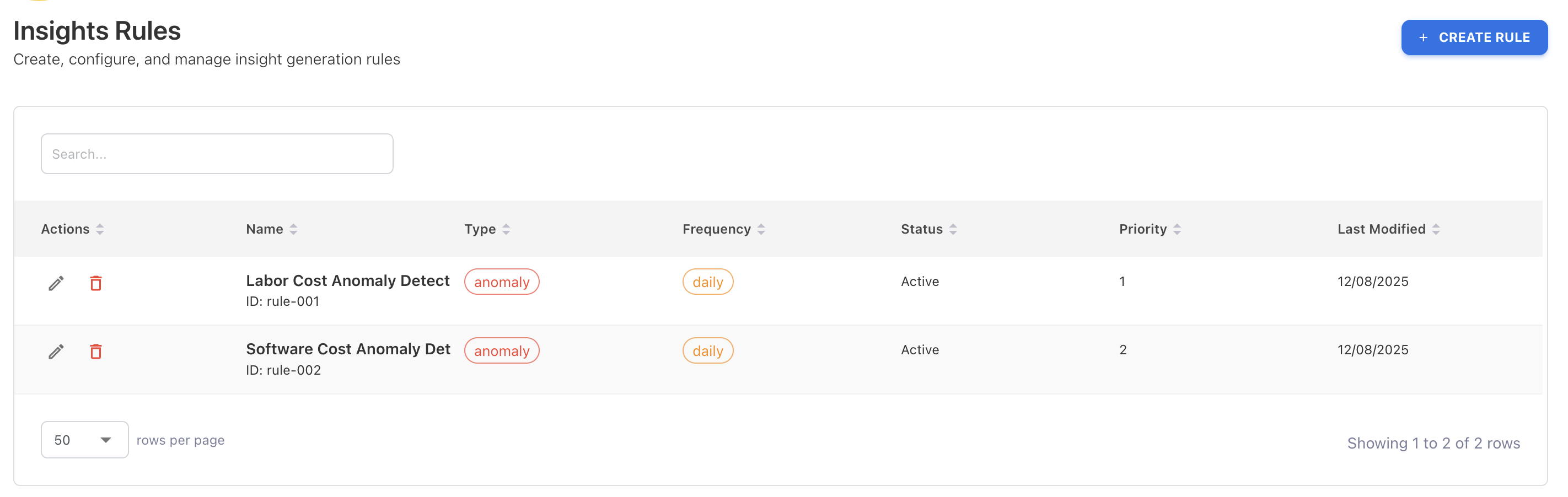
Key Highlights:
- • Anomaly Detection – Identify unexpected spikes, drops, or unusual patterns in spend, budgets, and variance.
- • Smart Detection Methods: Insights supports multiple methods tailored for specific data types:
Z-Score - Statistical anomaly detection
Threshold - Simple value comparison
Moving Average - Trend detection
Prophet - Seasonal forecasting
CUSUM - Change point detection
- • Rule-Based Triggers – Create configurable rules by defining dimensions, thresholds, and notification preferences (Teams, Slack, email).
- • Visual Insights – Review detailed anomaly information directly on the chart for faster analysis.
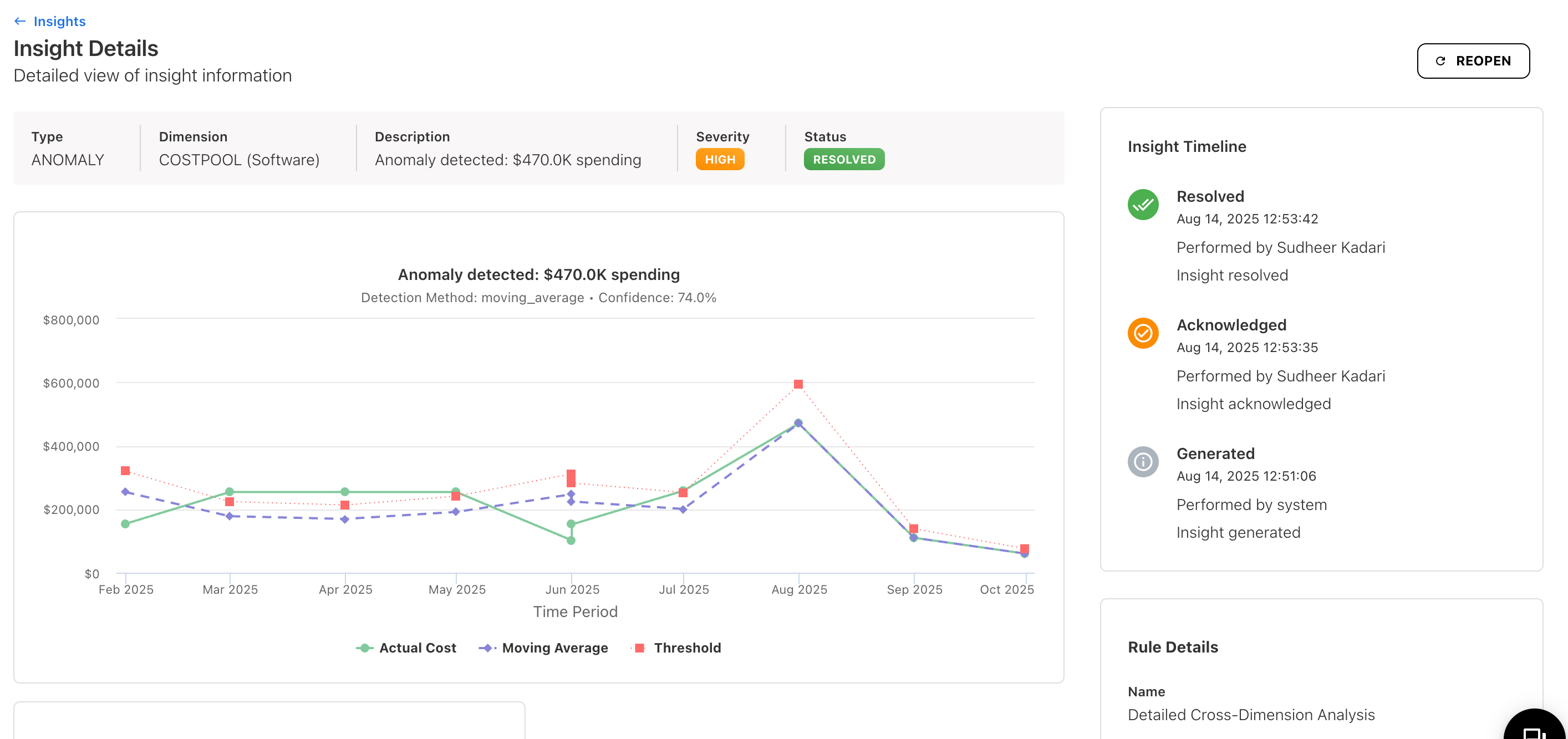
- • Actionable Workflow – Anomalies can be acknowledged and resolved directly from the screen, ensuring every breach is tracked through to resolution.
Why Insights Matters
- • Detect and act on patterns across hundreds of vendors as you scale.
- • Eliminate time-consuming manual analysis that often misses critical opportunities.
- • Move beyond raw metrics to meet the requirements of modern FinOps practices.
Set Any Dashboard as Your Homepage
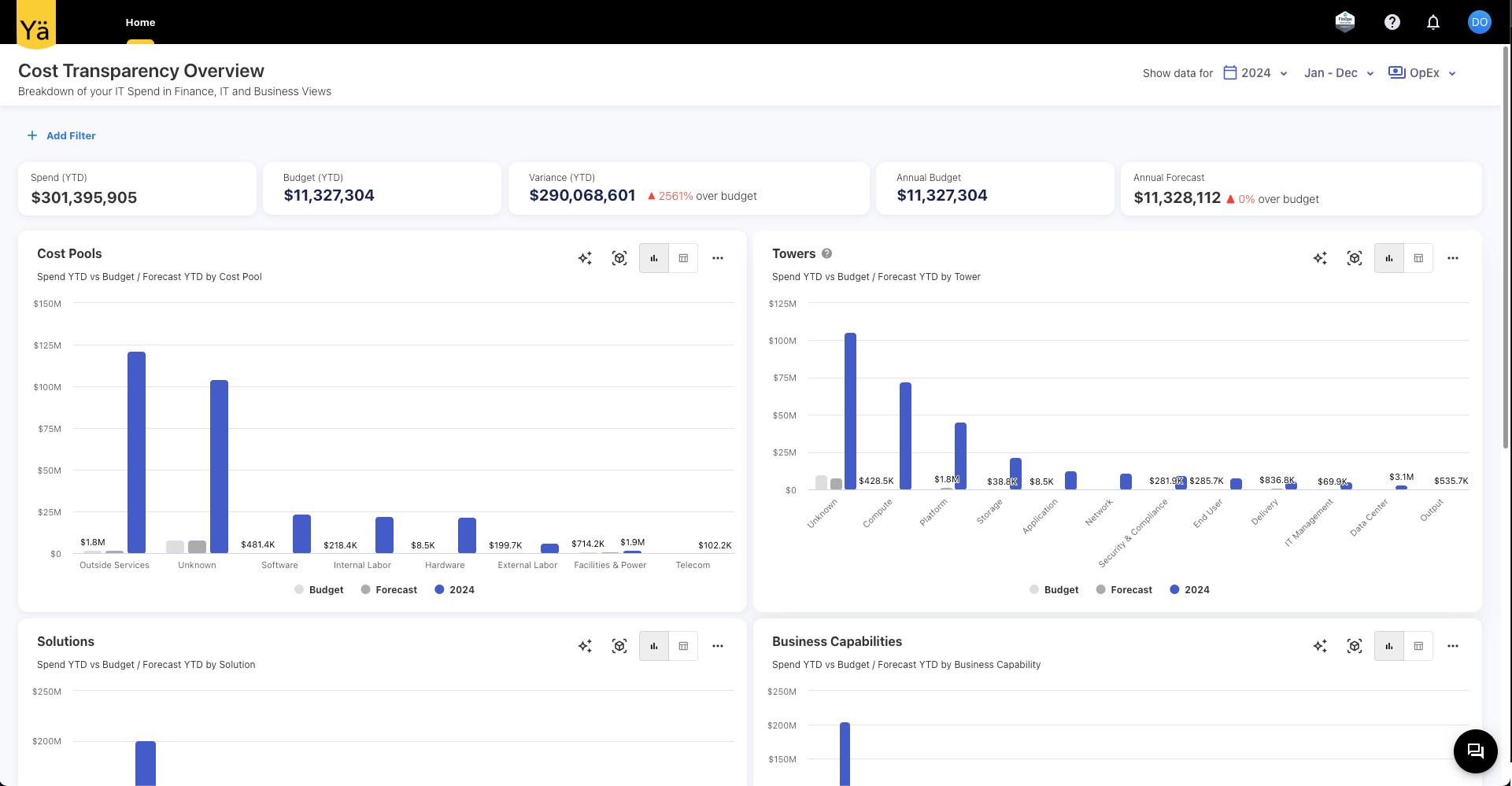
We’ve made it easier for you to personalize your experience. Previously, only custom dashboards could be set as your homepage. Now, with this update, you can choose any standard dashboard as your home screen.
This enhancement also extends to the Dashboard Only user role. Admins can now configure a standard dashboard as the default homepage, ensuring users land directly on the most relevant insights when they log in.
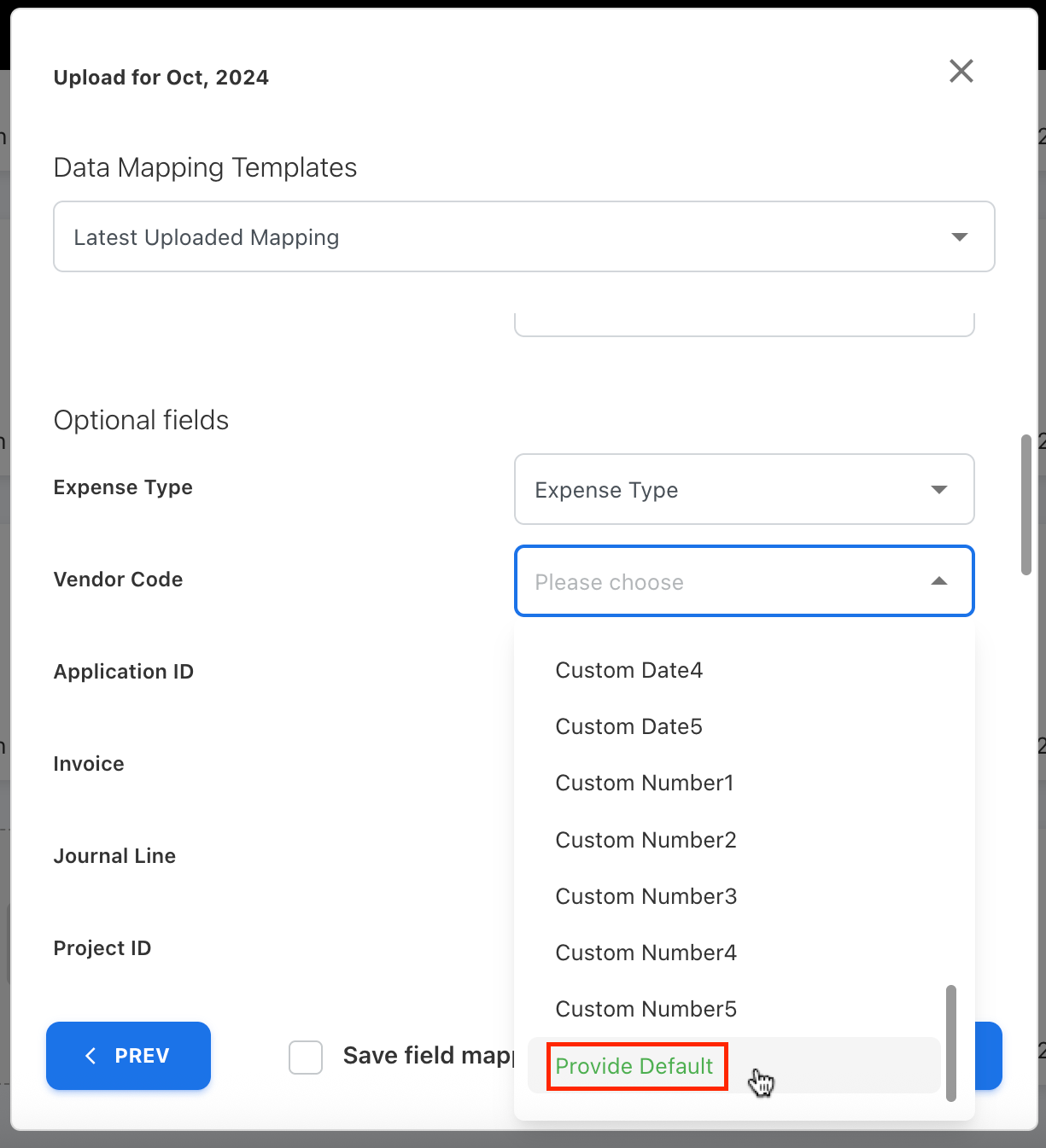
Default Field Values During Mapping
To make data uploads smoother, we’ve introduced the ability to set default values for fields during mapping. A new dropdown option, Provide Default, is now available for every field.
Manual Tenant Configuration
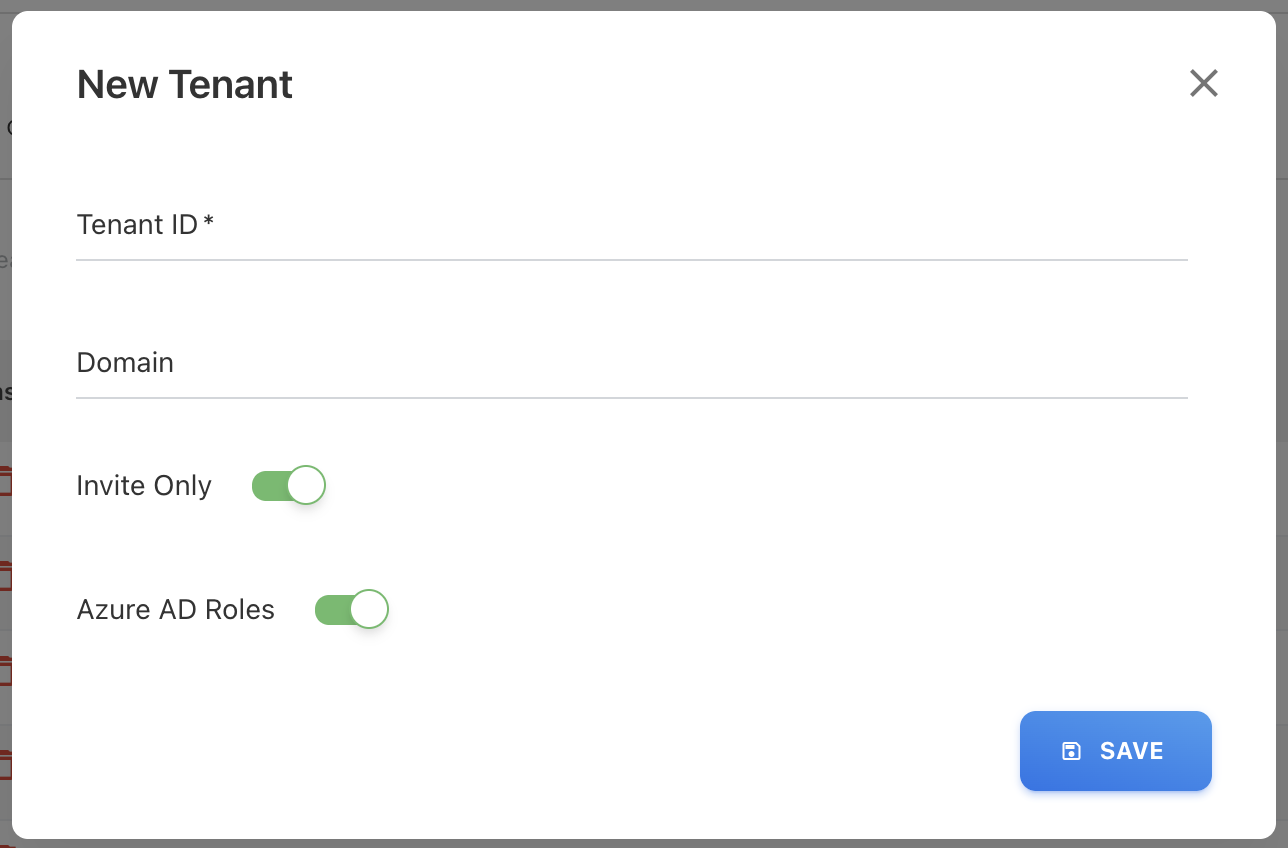
Admins can now manually configure the Tenant ID and domain directly within the platform. This provides more control and security while streamlining setup for authentication and M365 license data collection.
Multiple User Upload via CSV
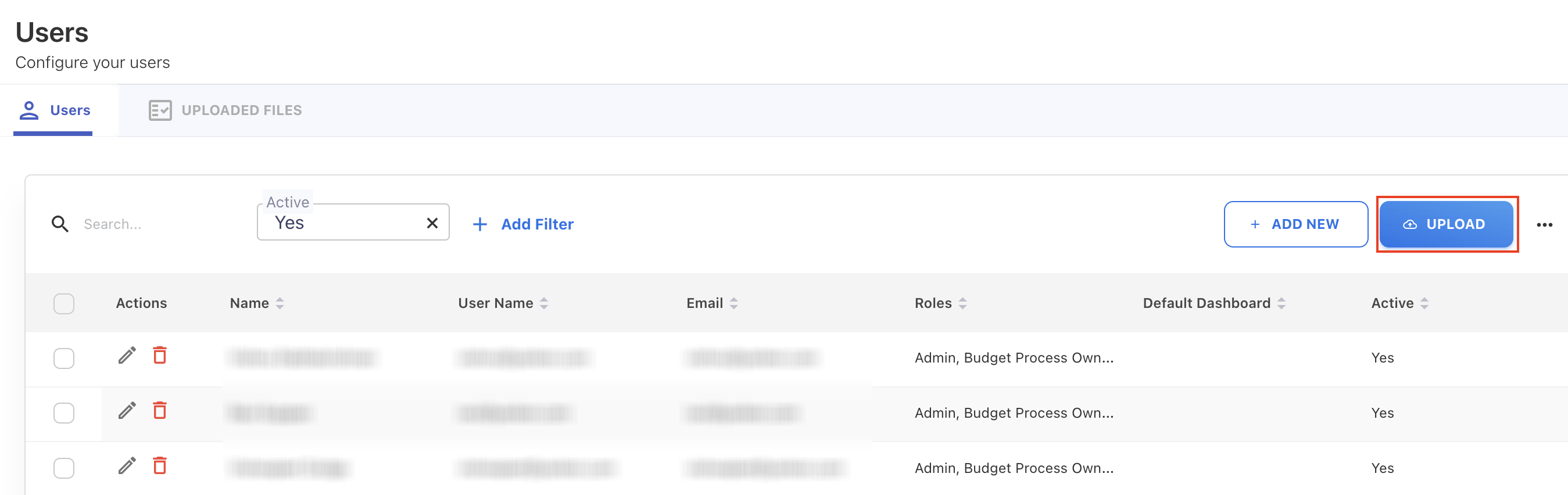
Managing users just got simpler. Admins can now upload a CSV file with user details directly from the Users page, making it easy to create multiple users in one step and streamlining onboarding.